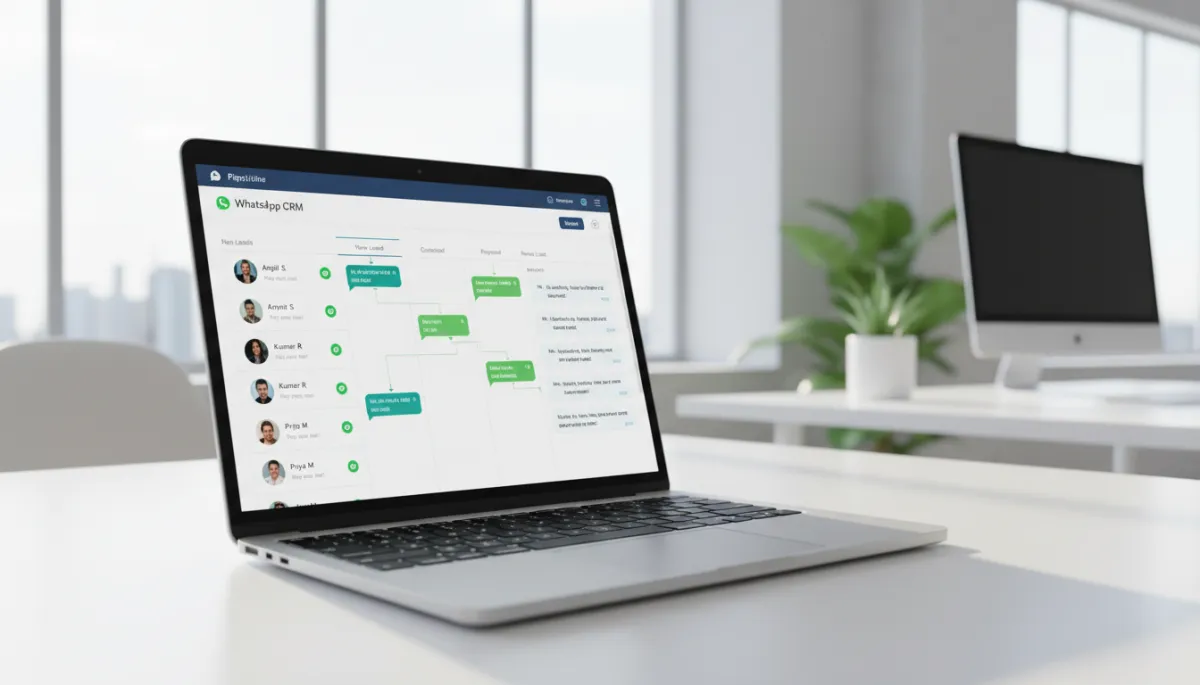
WhatsApp CRM Chennai: The Complete Setup Guide
CRM, WhatsApp Automation, Chennai Businesses
WhatsApp CRM Chennai: The Complete Setup Guide
WhatsApp CRM Chennai: The Complete Setup Guide is your end-to-end roadmap for connecting WhatsApp with a CRM in a way that actually works for Chennai businesses. In this guide, we walk through every step: from choosing the right CRM and getting WhatsApp Business API access, to building pipelines, automations, and team workflows that your sales reps will actually use. By the end, you will know exactly how to move from scattered WhatsApp chats to a predictable, trackable revenue engine.
What You Need Before Setting Up WhatsApp CRM
WhatsApp Business API Access (Mandatory for CRM Integration)
To connect WhatsApp to any serious CRM, you must use the official WhatsApp Business API. The normal WhatsApp Business app on your phone cannot provide a shared inbox, automation, or proper tracking. API access is obtained through a Business Solution Provider (BSP) such as Gupshup, Wati, Interakt, Twilio, or 360dialog, which are widely used in India for scalable messaging.
In 2026, BSPs follow Meta’s conversation-based pricing model, with different rates for marketing, utility, and authentication conversations. For Indian SMBs, this usually works out to a few paise per service conversation and under a rupee for marketing conversations, plus a monthly platform fee. Planning this cost upfront keeps your WhatsApp CRM Chennai setup sustainable instead of being surprised by bills later. Also remember Meta’s latest policy: only Meta’s own AI is allowed directly on the WhatsApp API, so any AI workflows must respect this change.
A CRM Platform That Supports WhatsApp Integration
Next, you need a CRM that can talk to the WhatsApp Business API. Tools like HubSpot, Zoho CRM, Bitrix24, Salesforce, and specialized WhatsApp CRMs all support this through native apps or marketplace integrations. Across 100+ Chennai implementations, we have seen the best results with platforms that offer:
- A shared WhatsApp inbox where multiple agents can reply from one number.
- Two-way sync between WhatsApp chats and CRM contacts/deals.
- Workflow automation so messages can trigger tasks, reminders, and follow-up sequences.
If you want a pre-tested stack for Chennai SMEs, you can explore https://studio.revmaxapp.com/whatsapp-automation-chennai, where we bundle BSP, CRM, and automation best practices into one streamlined setup for local businesses.
Clear Lead Stages and a Defined Sales Process
Technology only amplifies the process you already have. Before integrating WhatsApp with a CRM, define how a lead moves from first contact to closed deal. At minimum, agree with your team on stages like: New → Contacted → Qualified → Proposal → Won/Lost. Write down what each stage means, who is responsible, and what must happen before a lead can move forward.
According to Salesforce’s 2023 State of Sales report, CRM adoption can increase sales conversion rates by up to 29% and forecast accuracy by 40%. Those gains only appear when your stages are clear and consistently used. In Chennai, we often start by mapping the current “WhatsApp-only” chaos, then designing a simple, realistic process that everyone agrees to follow once the CRM is live.
Step 1 — Choose and Set Up Your CRM Platform
Key Features to Look for in a WhatsApp-Compatible CRM
When evaluating CRMs for WhatsApp CRM Chennai setup, focus on features that impact daily execution, not just dashboards. Based on our work with interior designers in Porur, real estate firms in Sholinganallur, and healthcare clinics in T. Nagar, these features matter most:
- Native WhatsApp Business API integration or a proven marketplace connector with strong reviews in India.
- Shared team WhatsApp inbox with assignment, internal comments, and collision detection (to avoid two reps replying to the same lead).
- Pipeline and deal management with drag-and-drop stages and customizable fields for your industry.
- Automation builder to trigger WhatsApp templates, tasks, and emails based on stage changes or inactivity.
- Reporting on response times, conversion by source, and follow-up performance, so you can see where leads leak out of the funnel.
McKinsey’s 2023 research shows that teams using CRM with automated pipeline updates save an average of 4.5 hours per week per sales rep. That time saving is only possible when your CRM is closely integrated with your main channel — in India, that is WhatsApp for 67% of SMBs, according to 2026 benchmarks.
Cloud vs On-Premise CRM — What Makes Sense for Chennai SMEs
For most Chennai small and mid-sized businesses, a cloud CRM is the right choice. It is faster to deploy, easier to maintain, and integrates more smoothly with WhatsApp BSPs and automation tools. India’s CRM market is projected to grow at a 13.4% CAGR through 2027 (Mordor Intelligence, 2023), driven largely by cloud adoption and API-first platforms.
On-premise CRM can make sense for heavily regulated enterprises with strict data residency requirements, but it usually adds complexity and slows down innovation. If your goal is to move quickly, test campaigns, and scale WhatsApp lead management, cloud is almost always the better path. Solutions like the stack offered at https://studio.revmaxapp.com/whatsapp-automation-chennai are specifically designed for Chennai SMEs that want the benefits of cloud without wrestling with complex technical setups themselves.
Step 2 — Connect Your WhatsApp Business API to the CRM
Linking via BSP Integration
Once your CRM is selected, the next step is to connect it to your chosen BSP. The exact steps vary, but the flow is similar across providers:
- Verify your Facebook Business Manager and business details (legal name, GST, address).
- Register your WhatsApp number with the BSP and complete OTP verification.
- Approve message templates (welcome, order updates, follow-ups) inside the BSP or directly in Meta’s interface.
- Connect BSP to CRM using API keys or a marketplace app, then test a few messages to confirm the integration.
In our Chennai projects, the most common delay at this stage is incomplete business verification or mismatched documents. Plan 3–7 working days for approvals, and keep your ROC/GST docs ready to avoid back and forth with Meta and the BSP.
Setting Up the Shared Team Inbox
With the integration live, configure your CRM’s team WhatsApp inbox. This is where every incoming message appears and can be assigned to the right person. A Porur-based interior design firm we worked with had three separate WhatsApp numbers: owner, showroom, and site supervisor. They constantly faced duplicate leads and missed follow-ups. After we consolidated all conversations into a CRM shared inbox and standardized assignment rules, they reduced duplicate leads by 85% and improved response times dramatically.
- Create queues (e.g., New Leads, Existing Customers, Support).
- Enable internal comments so team members can collaborate on tricky cases without confusing the customer.
- Turn on collision detection to prevent two agents replying to the same chat simultaneously.
Configuring Notification and Assignment Rules
Next, define how leads are assigned and how your team is notified. This is where many systems fail in practice. NASSCOM’s 2023 survey found that 53% of Indian SMEs blame poor CRM setup as the #1 reason their WhatsApp automation fails. The technology is there, but the rules are unclear or overly complex.
- Use round-robin assignment for new leads so work is fairly distributed across your 5-person team.
- Set SLA-based alerts — for example, if a new WhatsApp lead is not replied to within 10 minutes, notify the team lead on email or mobile.
- Create escalation rules for high-value or hot leads (e.g., budget > ₹5 lakhs, or enquiry about premium plans).
Step 3 — Build Your Lead Pipeline in the CRM
Defining Your Lead Stages (New → Contacted → Qualified → Proposal → Won/Lost)
Inside your CRM, create a dedicated pipeline for WhatsApp leads. Start with core stages and define clear entry/exit criteria:
- New: Lead has messaged you on WhatsApp for the first time; no human reply yet.
- Contacted: A team member has sent a personalized response or asked clarifying questions.
- Qualified: Lead fits your target profile and has a defined need, budget, and timeline (even if approximate).
- Proposal: You have sent a quote, design, or plan and are waiting for a decision.
- Won/Lost: Deal is closed; reason for win or loss is recorded for future analysis.
This structure becomes the backbone for why you can never afford to lose another lead and how to manage every lead in one place using WhatsApp plus CRM together, rather than relying on memory and spreadsheets.
Creating Custom Fields for Chennai Business Context
Generic CRMs rarely capture the nuances of Chennai’s market. Add custom fields that reflect your reality, such as:
- Locality (e.g., Velachery, Anna Nagar, OMR, Tambaram)
- Lead Source (Walk-in, Instagram, Google Ads, Referral, WhatsApp Broadcast)
- Budget Range (₹0–₹50k, ₹50k–₹2L, ₹2L+)
- Preferred Language (English, Tamil, Hindi)
These fields make your WhatsApp lead management setup more intelligent. Over time, you can see, for example, that OMR enquiries for weekday services close faster, or that Tamil-first leads from Instagram respond better to voice notes than long text messages.
Setting Up Lead Scoring Rules
Lead scoring helps your team prioritize the hottest WhatsApp conversations. Start with a simple model:
- +10 points for sharing budget or timeline.
- +15 points if they respond within 10 minutes of your reply.
- +20 points if they ask for a site visit, demo, or meeting.
- -10 points if there is no response for 7 days.
AI-powered lead scoring is becoming standard in modern CRMs and has been shown to deliver a 2.4× lift in conversion over manual methods in Indian SMBs. Even a basic scoring model in your WhatsApp CRM pipeline Chennai setup will guide your team to focus on the right people at the right time.

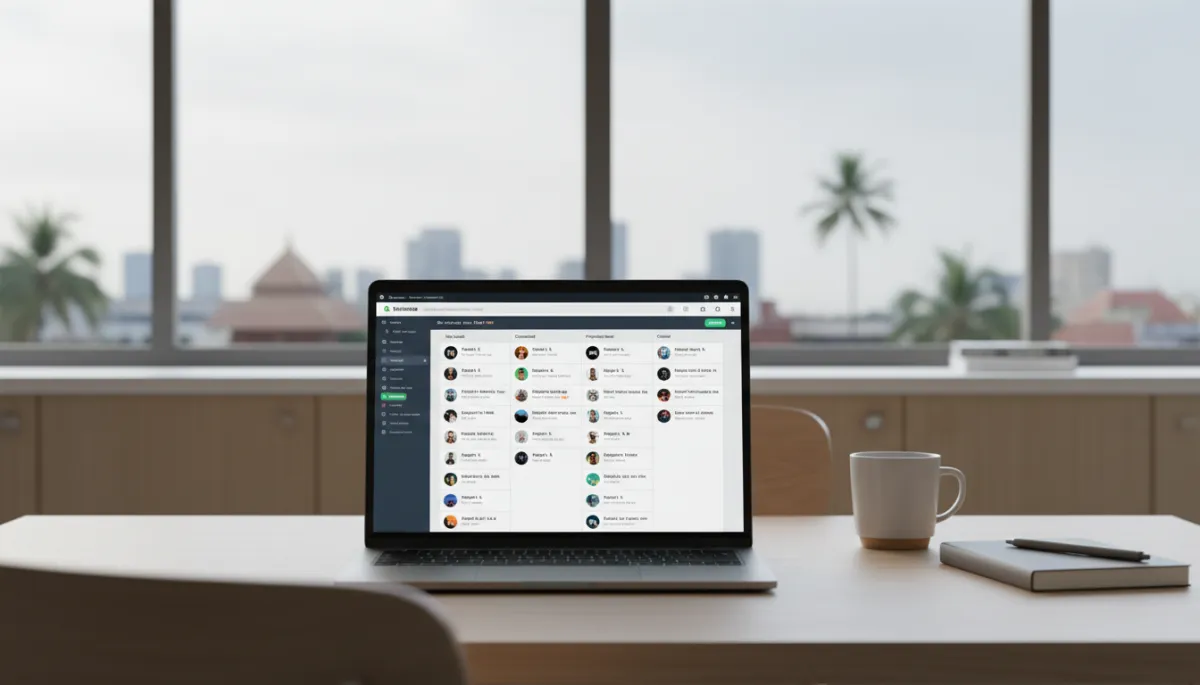
Chennai teams gain clarity when every WhatsApp chat maps to a visible pipeline stage.
Step 4 — Build WhatsApp Automation Within Your CRM
Auto-Capture and Tag Leads from WhatsApp
The first layer of automation is simple but powerful: every new WhatsApp conversation should automatically create or update a contact in your CRM and attach it to the correct pipeline. Configure your integration so that:
- New WhatsApp numbers become New leads in the WhatsApp pipeline, with source set to “WhatsApp – Organic” or “WhatsApp – Campaign.”
- Existing contacts are updated with the latest message history, not duplicated as new leads.
This is the foundation for how to set up WhatsApp Business automation correctly and the the step-by-step WhatsApp Business automation guide we recommend to Chennai clients who are scaling fast.
Trigger Follow-Up Sequences Based on Pipeline Stage
Next, build automated follow-up sequences that keep conversations moving without overwhelming your team. For example:
- When a lead is moved to Contacted, send a WhatsApp template after 24 hours if they have not replied, asking if they have any questions or need more details.
- When a lead is in Proposal, schedule automated reminders at 3 and 7 days, plus a task for the sales rep to call if there is still no response.
Research from Kaleyra in 2023 shows that businesses integrating WhatsApp with CRM see 3.5× higher lead engagement rates than using WhatsApp alone. The difference is structured follow-up — not just sending messages, but sending the right message at the right time based on pipeline stage.
Set Up Re-Engagement Flows for Cold Leads
Not every lead will close immediately. Instead of losing them forever in old WhatsApp chats, build re-engagement flows:
- If a lead is in Qualified or Proposal and there is no activity for 30 days, automatically move them to a “Cold” segment and send a gentle check-in message (within Meta’s allowed templates).
- Run quarterly WhatsApp campaigns to cold but relevant leads with new offers, events, or content — following best practices from our complete guide to WhatsApp automation for Chennai and everything you need to know before starting.
Gartner’s 2023 analysis found that proper CRM setup reduces customer churn by 27% because no lead is left without a defined next action. Re-engagement flows are a practical way to achieve that outcome over WhatsApp, especially in high-ticket Chennai industries like real estate, interiors, and healthcare packages.
Step 5 — Train Your Team and Go Live
Even the best WhatsApp Business API CRM stack fails without proper training. Forrester’s 2023 data shows that businesses that train their teams on CRM tools see 47% higher adoption and 33% more consistent data entry. In Chennai, we typically run three focused sessions:
- System Walkthrough: How the shared inbox, pipeline, and automation work together for everyday tasks.
- Process & Playbooks: How to respond, what to tag, when to move stages, and how to log notes properly.
- Reporting & Coaching: How managers review dashboards, identify bottlenecks, and coach reps based on data.
Encourage your team to follow CRM tutorials and setup walkthroughs from @revenuemasteryconsulting on Instagram and revenue-mastery-consultings on LinkedIn. These short, Chennai-focused videos help reinforce best practices long after the initial training.
Ongoing Maintenance — Keeping Your WhatsApp CRM System Healthy
A WhatsApp CRM is not a one-time project; it is an operating system for your revenue. Schedule regular reviews to keep it healthy:
- Weekly: Check open leads by stage, overdue tasks, and response-time SLAs. Make sure nothing is stuck in “New” or “Contacted” without action.
- Monthly: Review template performance, campaign ROI, and lead sources. Optimize your automation and messages based on actual results, using insights similar to those in grow without manual follow-ups.
- Quarterly: Audit data quality, clean duplicates, refine lead scoring, and update stages or fields to match your evolving business model.
As India’s CRM market grows and AI becomes more deeply embedded in workflows, your WhatsApp CRM should evolve too. For more on the AI side of this, see what every business owner should know about AI WhatsApp automation.
Frequently Asked Questions
1. Which CRM platforms support WhatsApp Business API integration in India?
Several major CRMs support WhatsApp Business API integration in India, either natively or via marketplace apps. Popular options include Zoho CRM, HubSpot, Salesforce, Bitrix24, Freshsales, and dedicated WhatsApp CRMs that focus on shared inbox and automation. The right choice depends on your team size, budget, and need for advanced automation or reporting. For Chennai SMEs, we typically recommend a cloud CRM with a proven India-friendly BSP connector and localized support.
2. Can I connect my existing WhatsApp Business number to a CRM without losing my chat history?
In most cases, yes — you can upgrade your existing WhatsApp Business number to the WhatsApp Business API through a BSP. However, the historical chats on your phone app usually do not migrate into the API environment. From the moment you switch, all new conversations will be visible in your CRM and shared inbox, but old messages remain on the device as an archive. We advise Chennai businesses to plan the cut-over date carefully and communicate it to staff so they know where to look for older context if required.
3. How long does it take to set up a WhatsApp CRM for a 5-person sales team?
For a typical 5-person sales team in Chennai, we see full WhatsApp CRM implementation — from BSP onboarding and CRM configuration to training and go-live — completed in 2 to 4 weeks. The main time drivers are Meta business verification, template approvals, and internal decision-making on pipeline stages and automation rules. Using a pre-designed framework like the one we use at RevMax often cuts this timeline down, because the playbooks, templates, and reports are already battle-tested.
4. Do I need a separate person to manage the CRM, or can my sales team do it themselves?
For most Chennai SMEs, you do not need a full-time CRM admin. With a clean setup and clear processes, your sales team can manage their own deals and tasks directly in the system. However, it is helpful to nominate one CRM champion — often a sales manager or operations lead — who owns configuration changes, reporting, and periodic clean-ups. This person ensures the system continues to reflect how your business actually sells, instead of becoming outdated or ignored over time.
5. What is a WhatsApp CRM shared inbox and how does it work?
A WhatsApp CRM shared inbox is a single place inside your CRM where all messages to your WhatsApp Business number appear. Multiple team members can see, reply, and assign conversations without logging into the WhatsApp app on a phone. Each chat is linked to a contact and deal in the CRM, so you have full context: past conversations, quotes sent, tasks, and notes. Features like internal comments, collision detection, and round-robin assignment make sure every enquiry is handled quickly and professionally.
6. Can WhatsApp CRM integrate with other tools like Google Sheets or email marketing?
Yes. Most modern CRMs that support WhatsApp also integrate with tools like Google Sheets, email marketing platforms, accounting software, and website forms. You can export WhatsApp lead data to Sheets for offline analysis, trigger email nurture sequences for specific segments, or sync invoices and payments with your accounting system. The key is to keep WhatsApp as the primary engagement channel while letting the CRM orchestrate data and automation across your full tech stack.
Set Up Your WhatsApp CRM the Right Way (CTA)
You have seen how a properly designed WhatsApp CRM can transform scattered chats into a predictable, trackable pipeline. Global research shows CRM adoption can lift conversions by up to 29%, while WhatsApp integration can deliver 3.5× higher engagement versus using the app alone. In Chennai, where your prospects live on WhatsApp and expect fast, personal responses, this combination is no longer optional — it is the new baseline for serious growth.
If you want a team that has already implemented this for 100+ Chennai businesses — from Porur interior designers to OMR tech consultancies — to handle the heavy lifting for you, we are here to help. Get your WhatsApp CRM set up completely, with the right BSP, CRM configuration, pipelines, automations, and team training, by starting at https://studio.revmaxapp.com/whatsapp-automation-chennai.
With the right foundation, your WhatsApp CRM Chennai setup becomes more than a tool. It becomes the operating system that helps you never lose another lead, grow without manual follow-ups, and scale with confidence.


