WhatsApp Lead Follow-Up for Chennai Businesses
WhatsApp Automation, Lead Follow-Up, Chennai Business Growth
How to Set Up a WhatsApp Lead Follow-Up System for Your Chennai Business in Under 30 Minutes
If you run a business in Chennai and leads are slipping through the cracks, this step-by-step guide will help you set up a simple, powerful WhatsApp lead followup system Chennai owners can use to respond instantly, nurture automatically, and close more sales in just 30 minutes.
Why WhatsApp Lead Follow-Up Matters So Much in Chennai
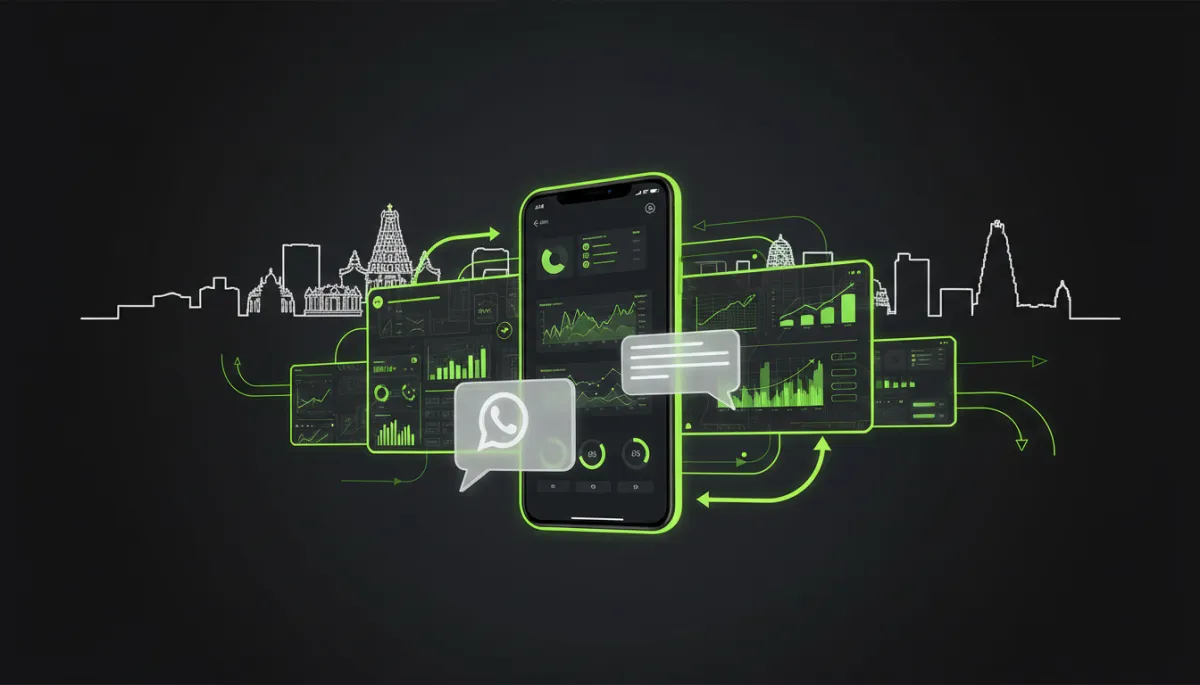
In Chennai, your customers live on WhatsApp. Whether you run a clinic in Adyar, a salon in T. Nagar, a coaching centre in Velachery, or a real estate agency in OMR, most enquiries today start with a WhatsApp message or click-to-WhatsApp ad. If you do not reply within a few minutes, that hot lead often goes to your competitor down the road.
The good news: with the right whatsapp business automation India tools, you can set up an end-to-end lead followup WhatsApp system that replies instantly, sends reminders automatically, and keeps every lead organised in your CRM – even while you are in a client meeting or stuck in Mount Road traffic. This guide shows you how to do it step by step, even if you are not “techie”.
Real Chennai Scenario: Clinic Owner Automating Patient Follow-Up
Imagine Dr. Priya, who runs a skin and hair clinic in Anna Nagar. She is running a Facebook ad offering a free skin assessment. When someone clicks the ad, they land on WhatsApp and send a message like “Hi, I want the free consultation.” Instantly, an auto-reply goes out on WhatsApp, thanking them, sharing available slots, and asking a couple of quick questions. The lead is saved inside her CRM with tags like “Facebook Ad – Skin Offer”, and a WhatsApp follow up sequence starts sending gentle reminders until the patient books an appointment. No manual chasing. No missed leads. That is exactly what you will build now.
Step 1: Connect WhatsApp to Your CRM (5 Minutes)
The foundation of a powerful whatsapp lead followup system Chennai businesses can rely on is a solid CRM WhatsApp integration Chennai setup. Instead of juggling Excel sheets and random chats, you connect your WhatsApp Business number to a CRM so every enquiry is captured automatically as a contact or deal.
- Choose a CRM that supports whatsapp crm integration Chennai businesses can activate quickly. Tools like RevMax are designed specifically for Indian small businesses and make CRM WhatsApp integration Chennai friendly and fast.
- Make sure you are using the official WhatsApp Business API or an approved provider. This allows you to send automated messages at scale without risking bans, and is essential for serious whatsapp marketing automation small business setups.
- Inside your chosen platform, follow the simple wizard: verify your business number, connect your Facebook Business account if required, and authorise the CRM to send and receive messages on your behalf.
Once this connection is done, every WhatsApp chat can be logged automatically in your CRM. That means no more scrolling through endless chats to remember who asked what and when.
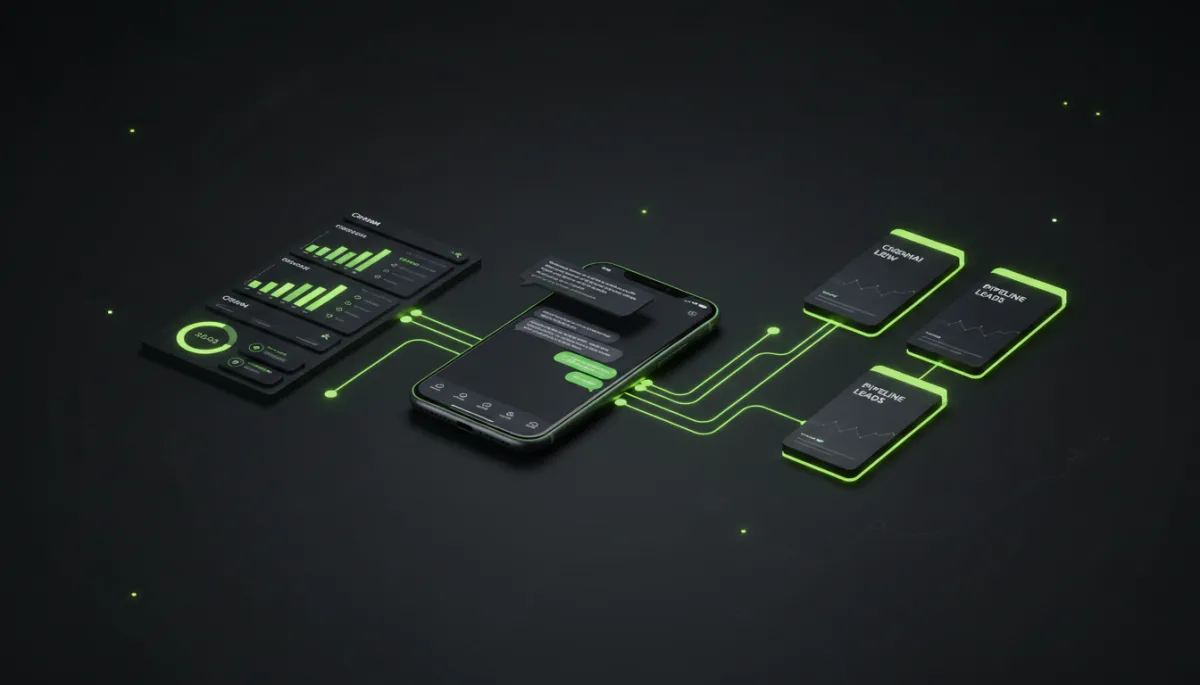
Connecting WhatsApp to a CRM turns random chats into a structured lead pipeline.
Step 2: Set Up Lead Capture from Ads, Website, and Offline (7 Minutes)
Next, you want every possible enquiry to land in this system automatically. This is where whatsapp business automation India really shines for busy Chennai owners who cannot manually type every number into a sheet.
- From Facebook and Instagram Ads: Create “Click to WhatsApp” campaigns. In your ad, choose WhatsApp as the destination, connect your business number, and write a clear call to action like “Tap to WhatsApp us for a free consultation.” When someone clicks, the chat opens, and your CRM instantly captures their name and number.
- From Your Website or Landing Page: Add a floating WhatsApp chat button or a “Book on WhatsApp” link. Tools like RevMax and similar platforms let you generate trackable WhatsApp links so you know whether the lead came from your homepage, pricing page, or a specific campaign.
- From Offline Sources: Put a QR code on your clinic reception desk, shop counter, or brochure that opens a WhatsApp chat. When someone scans and messages, they are again captured inside your lead followup WhatsApp system without any manual data entry.
For Dr. Priya’s clinic, the Facebook ad offering a free skin assessment is linked directly to WhatsApp. Every time a potential patient in Chennai taps the ad, they enter the same structured pipeline, ready for automated nurturing.
Step 3: Build Simple WhatsApp Follow-Up Sequences (8 Minutes)
Now that leads are flowing in, you need a whatsapp follow up sequence that moves them from “just enquired” to “booked and confirmed”. Think of this as a WhatsApp drip campaign India customers actually read and respond to, instead of ignoring generic bulk SMS.
- Map your stages: Enquired → Qualified → Booking Confirmed → Visited / Purchased → Follow-Up / Review. Your CRM should let you tag or move leads through these stages automatically based on their replies.
- Create 3–5 short, human messages for each stage. For example, for Dr. Priya:
Day 0: “Hi <Name>, thanks for your interest in our free skin assessment…”
Day 1: “Quick reminder: we still have a few slots this week…”
Day 3: “Last chance to claim your free consultation before the offer ends…” - Keep it conversational, not spammy. Use the same tone you would use if you were manually messaging from your phone, but let the system send it for you at the right time.
When done right, these sequences feel like a caring staff member following up, not like a robot. The beauty is that every new lead automatically enters the right whatsapp follow up sequence without your team having to remember who to message next.
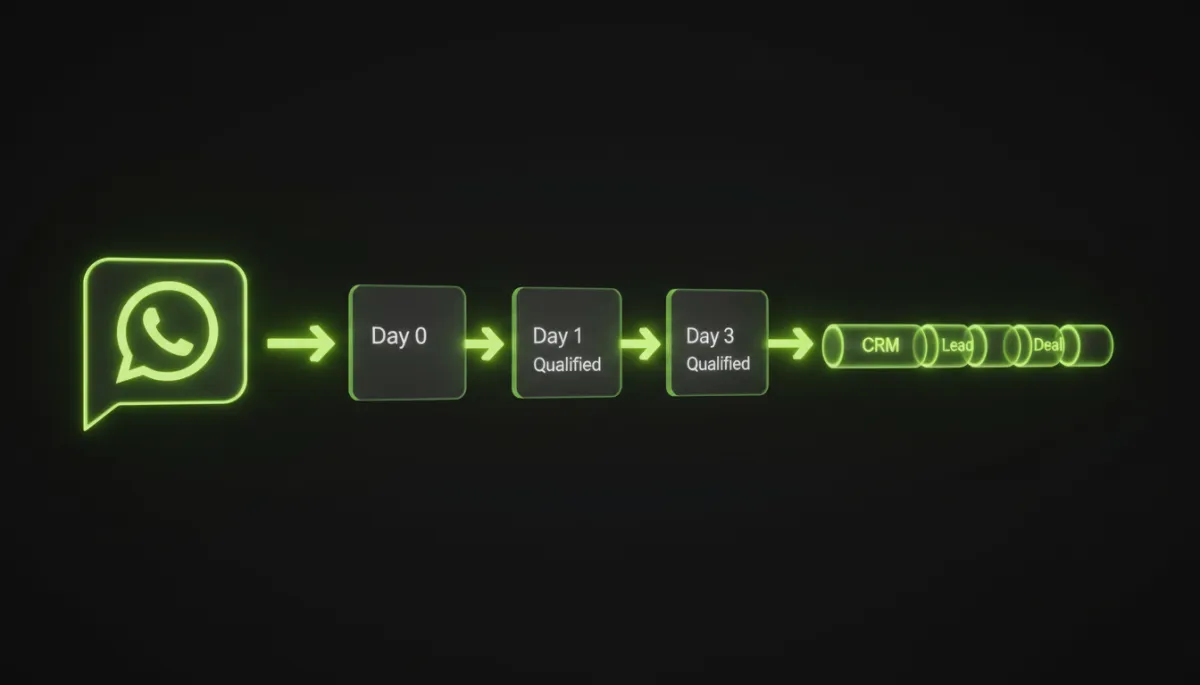
A simple WhatsApp drip campaign keeps every new lead warm and engaged.
Step 4: Automate Replies and Reminders (5–7 Minutes)
This is where the magic happens. Automated WhatsApp replies Chennai business owners set up once can save hundreds of hours every month and dramatically increase conversion rates. You want the system to:
- Reply instantly when a new lead messages you (even at 11:30 pm).
- Ask qualifying questions (budget, location, service type).
- Send appointment or demo reminders automatically.
- In your CRM or WhatsApp automation tool, set up a “Welcome” auto-reply. For Dr. Priya, it might say: “Hi <Name>, thank you for messaging <Clinic Name>. To help you better, please reply with 1) Your skin concern 2) Preferred day (weekday/weekend).”
- Configure keyword or button-based replies. If they reply “Weekend”, the system can automatically show Saturday–Sunday slots. If they reply “Acne”, it can send a short, reassuring message about your acne treatment expertise.
- Set reminder automations: 24 hours before the appointment, 2 hours before, and maybe a follow-up 1 day after asking for feedback or a Google review. Platforms like RevMax on Instagram often share real examples of such flows that Chennai businesses use successfully.
Within a few minutes, you will have a fully automated layer handling 80% of routine conversations. Your team can then jump in only for complex or high-value queries, while your whatsapp marketing automation small business engine keeps everything else running on autopilot.
Step 5: Track Results and Optimise for Chennai Market (5–8 Minutes)
Finally, a whatsapp lead followup system Chennai owners can truly rely on must be measurable. You should know exactly how many leads came in, how many booked, how many showed up, and which campaigns worked best for your local audience in areas like Nungambakkam, Tambaram, or Sholinganallur.
- Track lead sources: Facebook ads, Instagram, Google My Business, website, QR code, referrals. Your CRM should tag every contact automatically based on the entry point.
- Monitor response times: How quickly are leads getting their first response? With automation, this should be under 1 minute, 24/7.
- Measure conversion: Out of 100 WhatsApp enquiries, how many book? How many actually visit or buy? Tools like RevMax make this visible in one dashboard so you can scale what works.
For Dr. Priya, a simple dashboard shows that her Facebook ad plus WhatsApp funnel brings 120 leads a month, 45 confirmed consultations, and 30 high-value treatments. Once she sees this, she confidently increases ad spend, knowing the system will follow up every single lead without her chasing manually.
Putting It All Together in Under 30 Minutes
In summary, you have just seen how to build a complete whatsapp lead followup system Chennai businesses can deploy in less than half an hour:
- Connect WhatsApp to a CRM that supports strong whatsapp crm integration Chennai entrepreneurs can manage without a big IT team.
- Capture leads automatically from ads, website, and offline QR codes so no enquiry is lost.
- Build simple, human WhatsApp follow up sequences that nurture each prospect towards a booking or purchase.
- Automate replies and reminders so your business feels responsive 24/7 without burning out your team.
- Track results, double down on what works, and continuously improve your flows for the Chennai market.
Whether you run a clinic like Dr. Priya, a retail store in Pondy Bazaar, a coaching centre in Porur, or a real estate firm selling apartments in ECR, this approach lets you turn WhatsApp from a chaotic inbox into a predictable revenue engine. Start with one simple flow, get it working, and then expand. With the right guidance from specialists such as Revenue Mastery Consulting and tools like RevMax, you can build a robust, scalable system that works for your Chennai business around the clock.
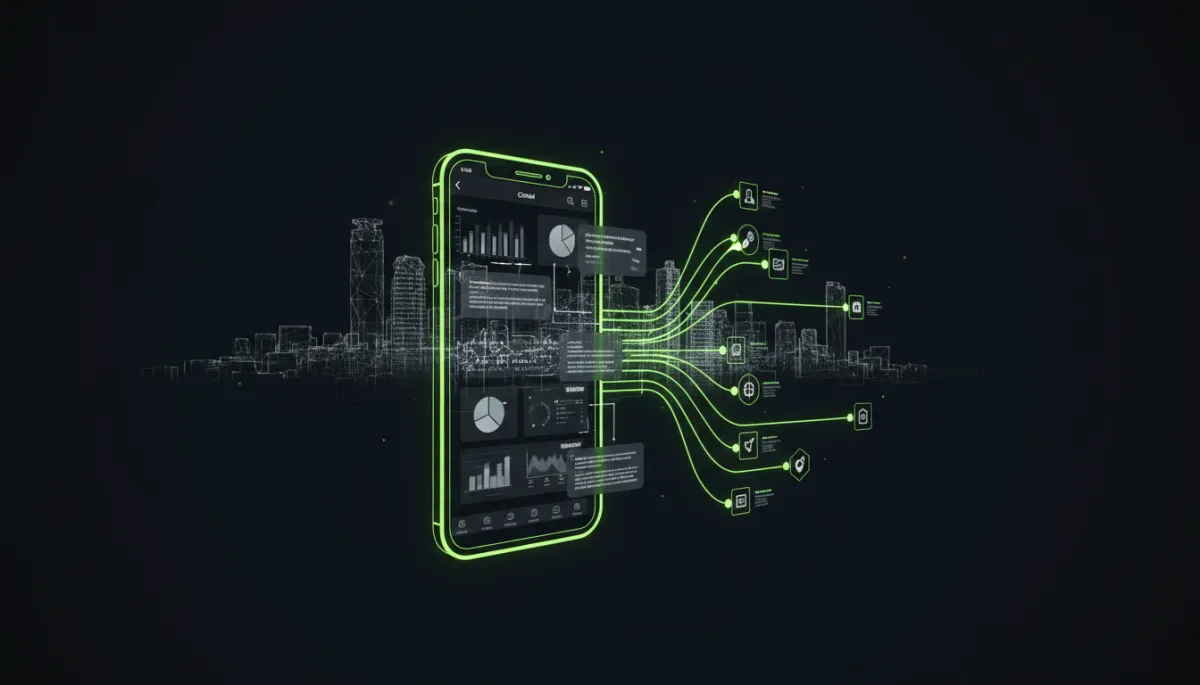
A focused WhatsApp automation system can turn everyday Chennai enquiries into steady revenue.
SEO Metadata for This Guide
Meta Title: How to Set Up a WhatsApp Lead Follow-Up System for Your Chennai Business in 30 Minutes
Meta Description: Step-by-step guide for Chennai business owners to create a WhatsApp lead followup system Chennai customers love. Learn WhatsApp CRM integration Chennai, automation, and tracking in under 30 minutes.
URL Slug: how-to-set-up-whatsapp-lead-followup-system-chennai


